Activity Log (Audit Trail)
A record of changes made by users in your account — who created an invoice, who edited a product's price, who deleted a record — for review and auditing purposes.
Go to Branches, Users & Security → Activity Logs.
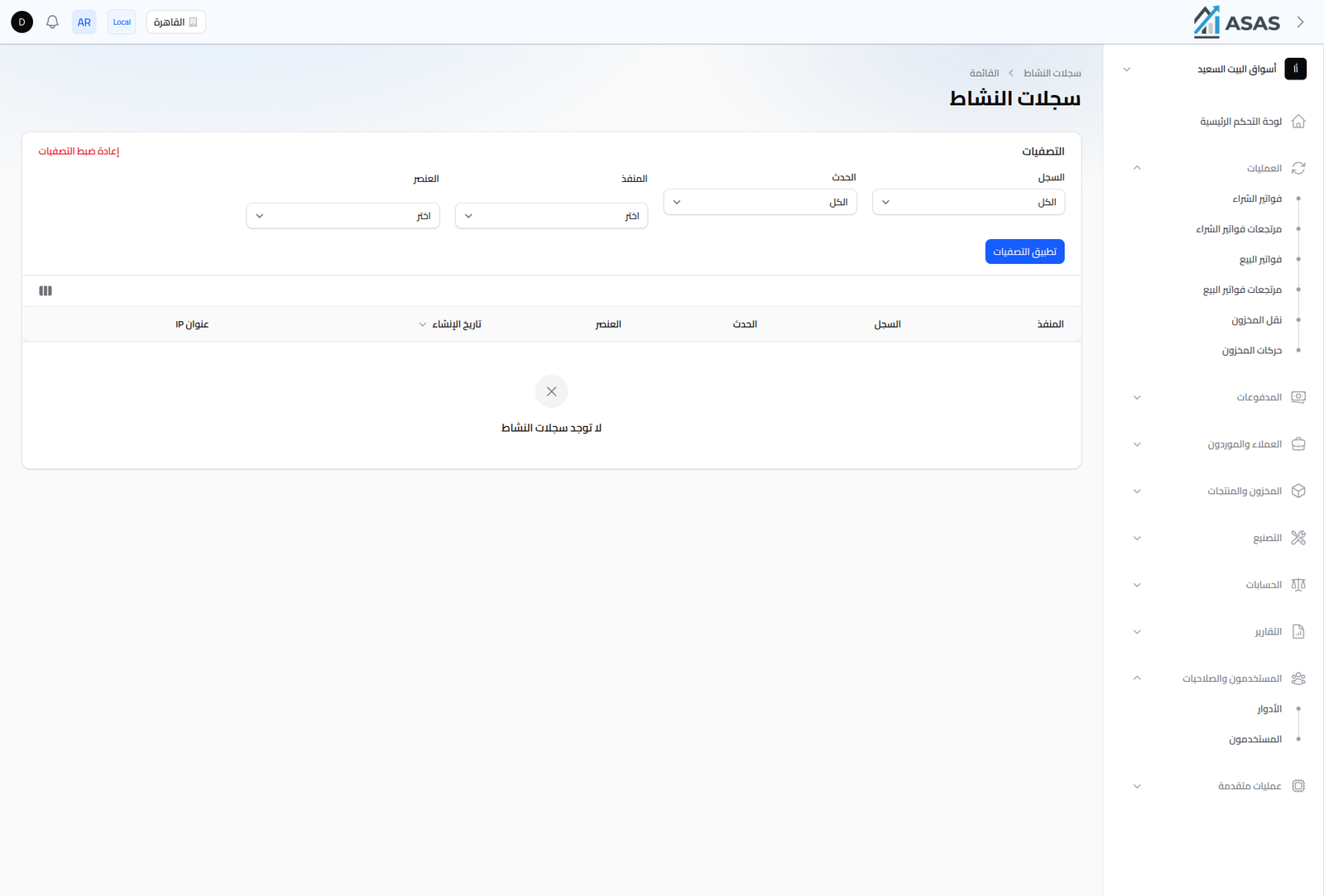
Filters
- Log: the data type (product, sale invoice, account...).
- Event: the operation type (created, updated, deleted...).
- Causer: the user who performed the action.
- Subject: filter by a specific record.
Click Apply Filters to see results, or Reset Filters to return to the full view.
Columns
Each row represents one event, showing: the causer (who performed the action), the log, the event, the affected subject, the creation date, and the IP address the action was performed from.
Notes
- This log is read-only; its entries can't be edited or deleted from the interface.
- Especially useful when tracking down a data issue to see when and who made the change.