Keyboard Shortcuts
The POS is designed to be fully operable from the keyboard without needing the mouse, to speed up serving customers during busy periods.
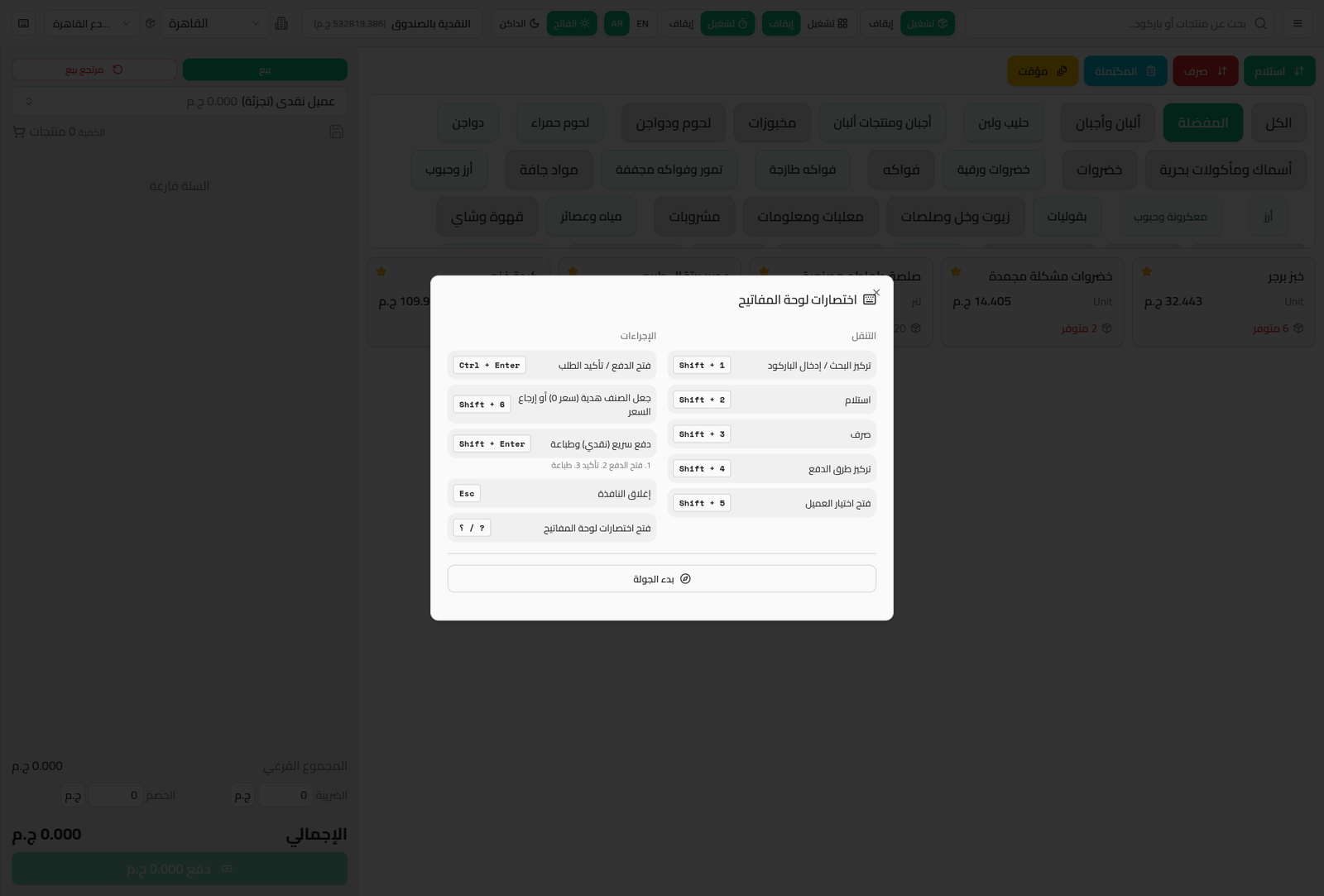
Press ? or the keyboard-shortcuts button in the top bar to view the full list at any time:
Navigation
| Shortcut | Action |
|---|---|
| Shift + 1 | Focus the search / barcode entry field |
| Shift + 2 | Open the Receive dialog |
| Shift + 3 | Open the Pay Out dialog |
| Shift + 4 | Focus payment methods |
| Shift + 5 | Open customer selection |
Actions
| Shortcut | Action |
|---|---|
| Ctrl + Enter | Open payment / confirm the order |
| Shift + 6 | Mark the line item as a gift (price 0) or restore the price |
| Shift + Enter | Quick pay (cash and print) — opens payment, confirms it, then prints the receipt in one step |
| Esc | Close the current dialog |
| ? | Open keyboard shortcuts |
Notes
- Shift + Enter is the fastest way to complete a full cash sale: it opens the payment dialog, confirms it, then prints — in a single keypress.
- The Start Tour button inside the dialog launches an interactive on-screen walkthrough for anyone who'd rather learn by doing than read the list.