Suppliers
Record suppliers you purchase merchandise from, to track purchase invoices, payments, and the outstanding balance owed to each one.
Go to Customers & Suppliers → Suppliers and click Create:
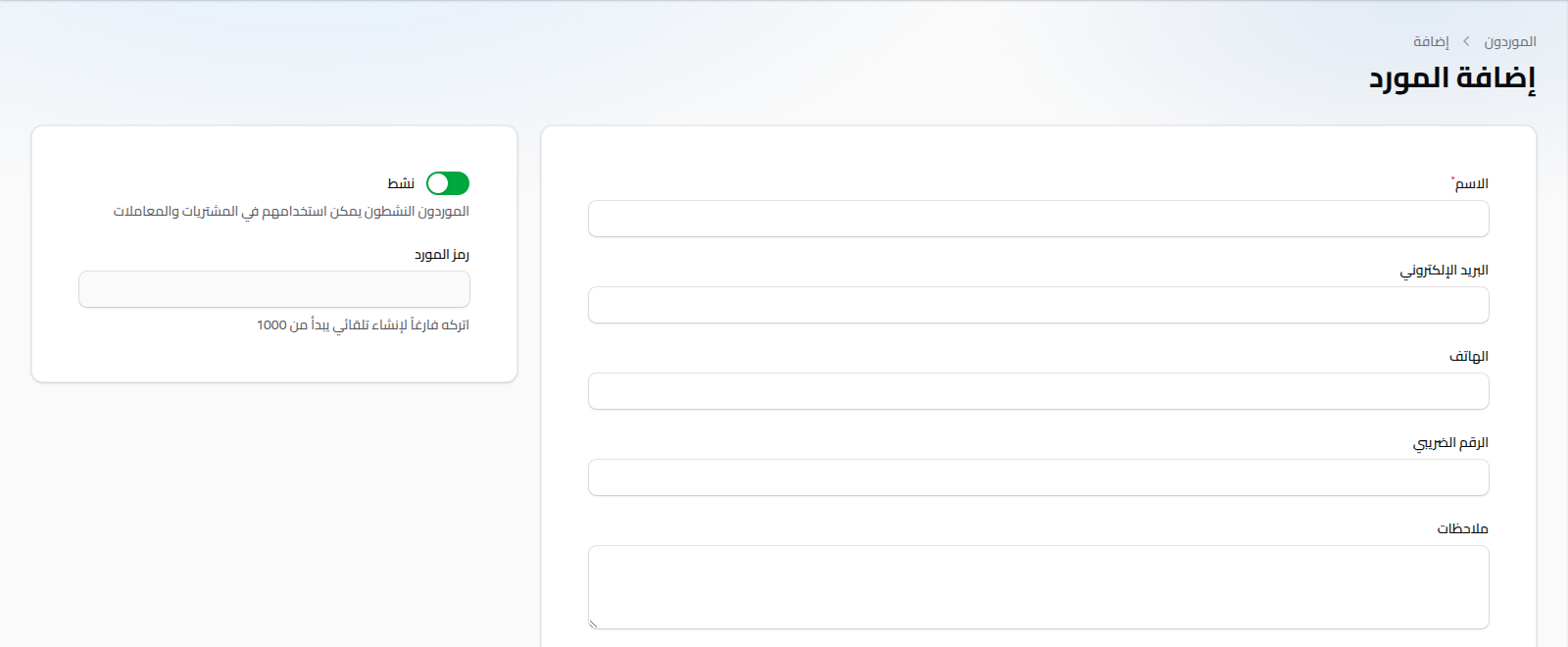
Fields
- Name: (required).
- Email: optional.
- Phone: optional.
- Tax Number: optional.
- Notes: optional free text.
- Active: (toggle) inactive suppliers can't be used on new purchase invoices.
- Supplier Code: auto-generated (a sequence starting at 1000), not editable.
Unlike the customer form, the supplier form has no classification or credit limit — just basic contact details and status.
Notes
- From the supplier's edit/view page, tabs are available showing that supplier's purchase invoices and returns.
- To record payments against a supplier's balance, see Supplier Payments.