Bulk Price Update
Update prices for several products (and their units) at once, instead of opening each product individually from the Creating a Product screen.
Go to Advanced Operations → Bulk Price Update.
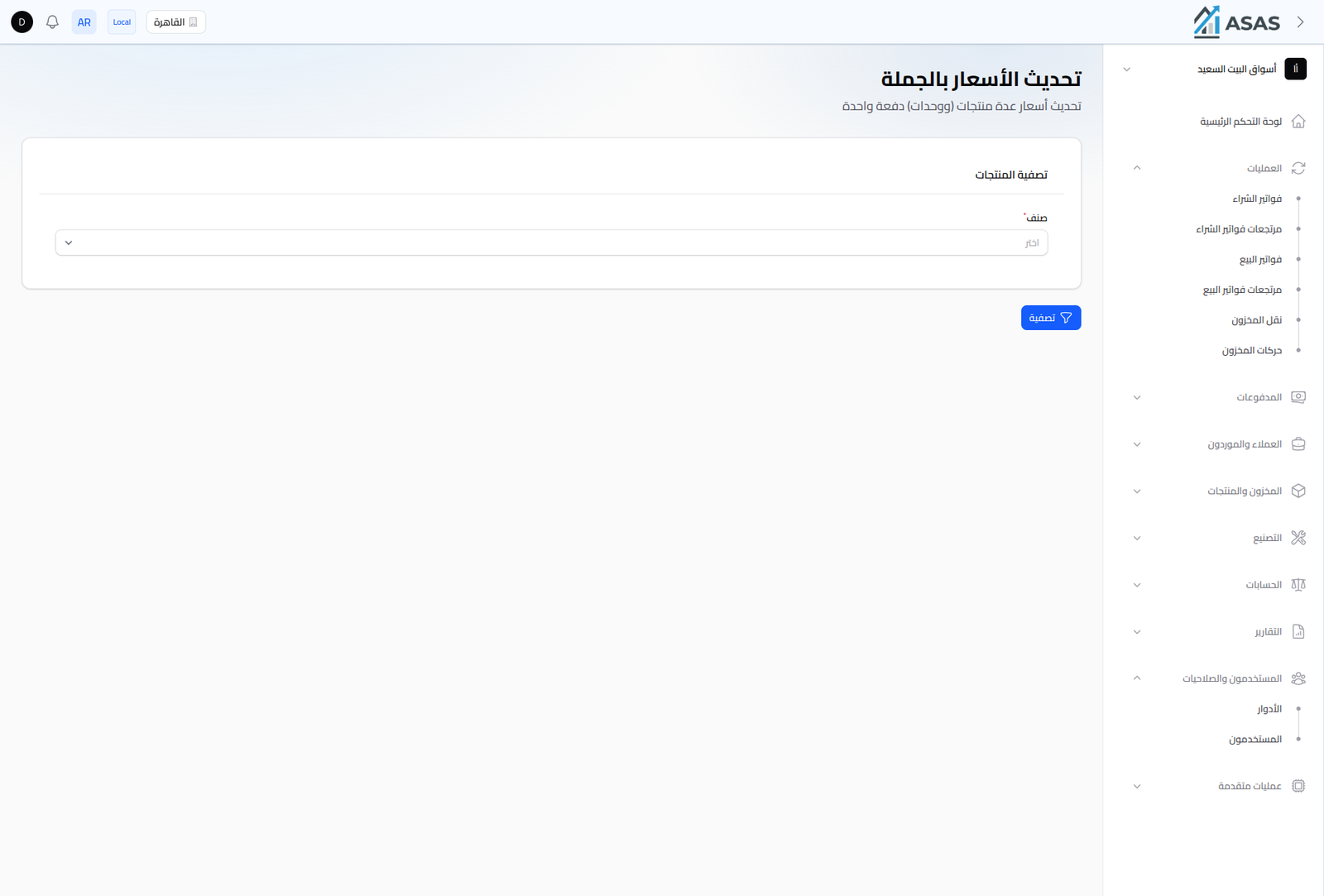
- Choose the Category whose products' prices you want to update.
- Click Filter to list every product in that category (and all its units, if any) in one directly-editable table.
- Edit the purchase/sale prices needed for each row, then save.
Notes
- Useful when a supplier changes cost for an entire category, instead of editing every product by hand.
- Price changes here are immediate and apply to the current branch, same as any other price edit (see pricing in Creating a Product).