Categories
Categories organize your products into a tree structure (parent categories with sub-categories), used in reports (like sales by category) and in products' auto-generated internal barcode prefix.
Go to Inventory & Products → Categories → Create.
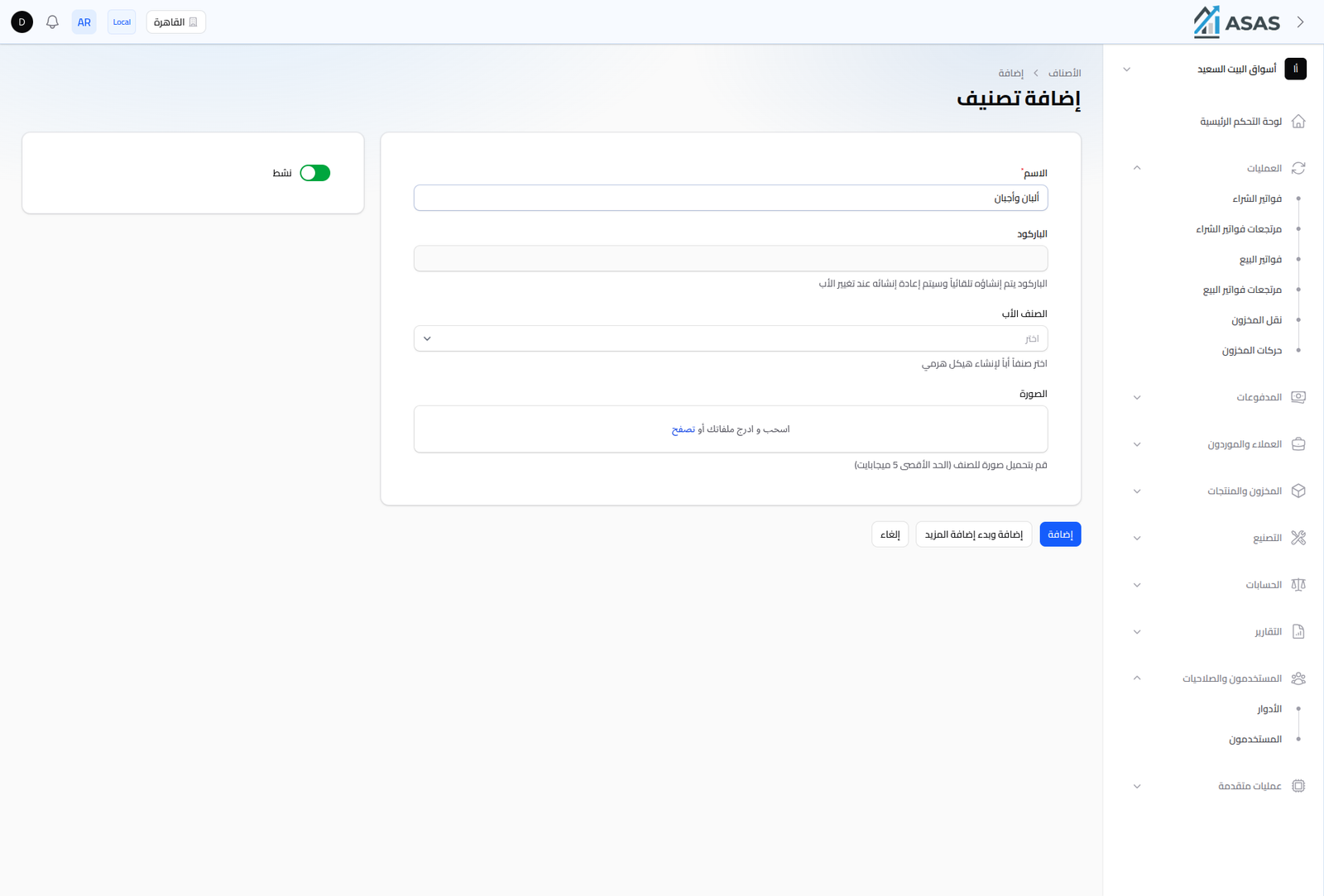
- Name: the category's name (required).
- Barcode: generated automatically when the category is created, and regenerated automatically when the Parent Category changes.
- Parent Category: pick one to build a hierarchy (a sub-category under a parent). Leave blank to create a top-level category.
- Image: an optional category image (5MB max).
- Active: inactive categories don't show up when picking a category for a new product.
Notes
- New products' internal barcode is auto-built with a prefix derived from the product's category (see Creating a Product).
- Use sub-categories for more granular reporting (e.g. Beverages → Sodas → Cola).