Logging In
This guide explains how to sign in to the ASAS system (admin panel).
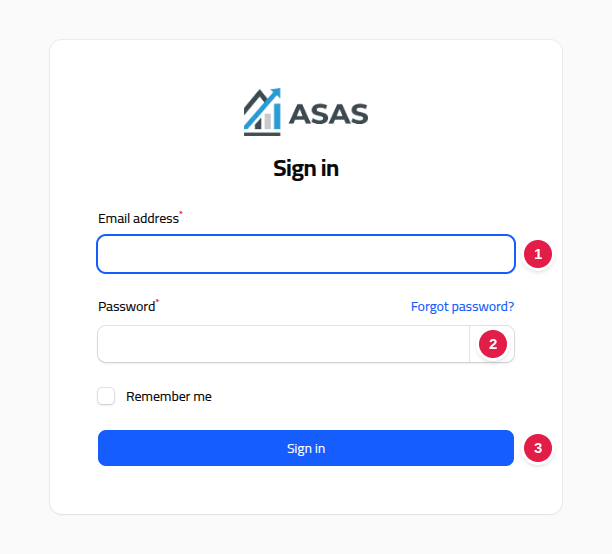
Open the system URL in your browser (e.g. https://your-domain.com/app/login), then follow the numbers shown in the screenshot below:
Steps
- Enter your email address.
- Enter your password.
- Click Sign in.
Once signed in, you'll be redirected to the main dashboard.
Forgot your password?
If password recovery is enabled, click Forgot password? below the form and follow the instructions sent to your email.
Notes
- Make sure you're using the same email and password registered by your system administrator.
- If sign-in keeps failing, contact your system administrator.