Conversion Orders
Convert one or more products directly into another product (or products), without needing to save a fixed recipe beforehand — useful for simple one-off operations like breaking down a large carton into smaller units, or converting raw components into a semi-finished product just once.
Go to Manufacturing → Conversion Orders → Create.
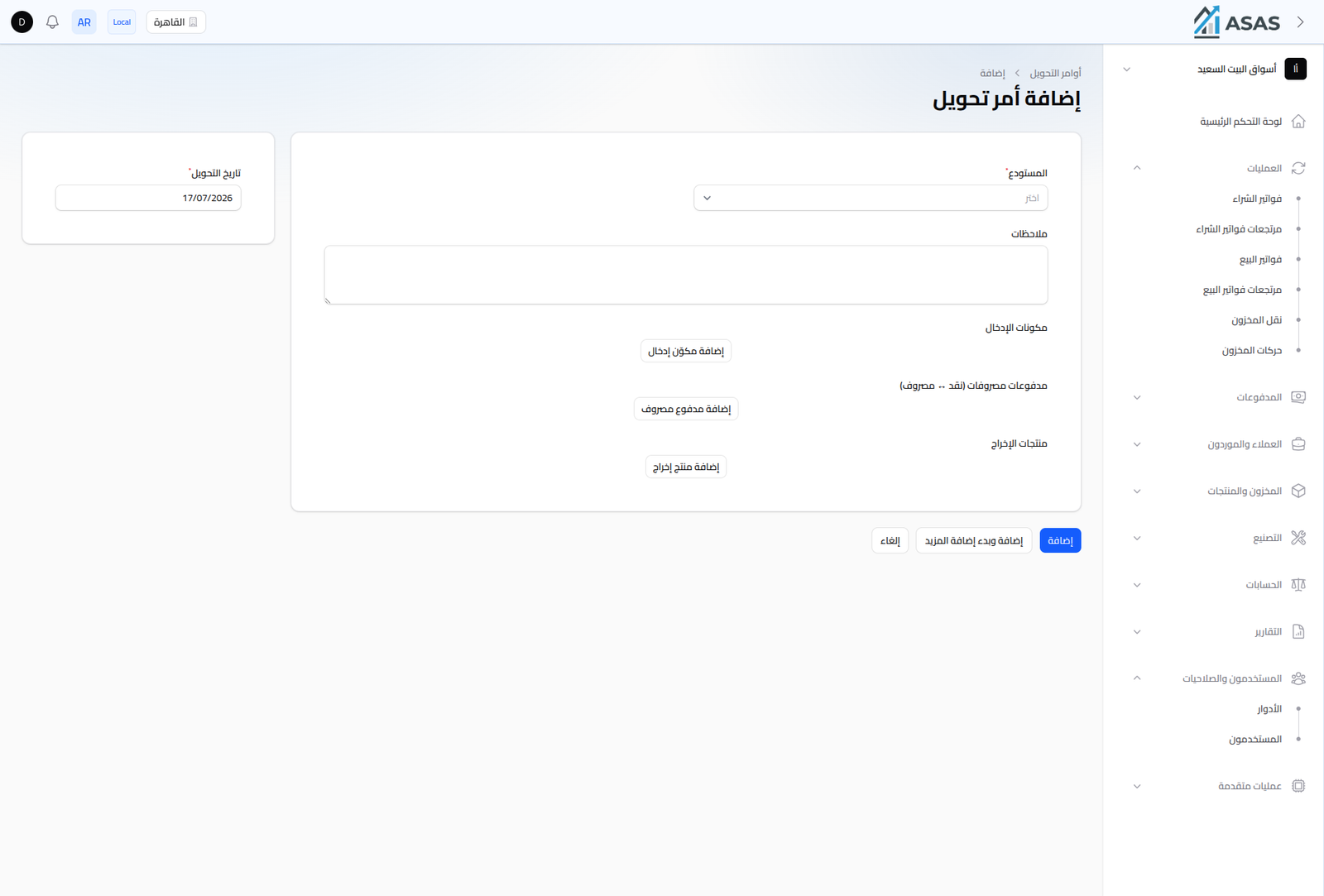
- Warehouse: the warehouse the ingredients are deducted from and the output products are added to (required).
- Conversion Date: pre-filled with today's date.
- Notes: optional free text.
- Input Ingredients: the products/quantities that go into the conversion (add via Add Input Ingredient).
- Expense Payments (Cash → Expense): record any extra cost of the conversion (like labor) as a payment from a cash account to an expense account, via Add Expense Payment.
- Output Products: the resulting product(s) and their quantities, via Add Output Product.
Difference from Recipes and Production Orders
| Conversion Order | Recipe + Production Order | |
|---|---|---|
| Use case | one-off, direct conversion | a repeatable manufacturing process with the same quantities |
| Setup | no saved recipe needed | requires a recipe saved in advance |
| Extra costs | supports recording extra expenses directly | cost comes only from the recipe's ingredients |
Notes
- Every conversion order is logged in the Stock Movements Ledger as "Conversion In" (deduction) and "Conversion Out" (addition).
- Use conversion orders for non-repeating operations, and recipes + production orders for repeating manufacturing with the same quantities every time.