Sales Reports
A set of reports for analyzing sales activity over time, by category, and by payment status. Go to Reports → Sales Reports:
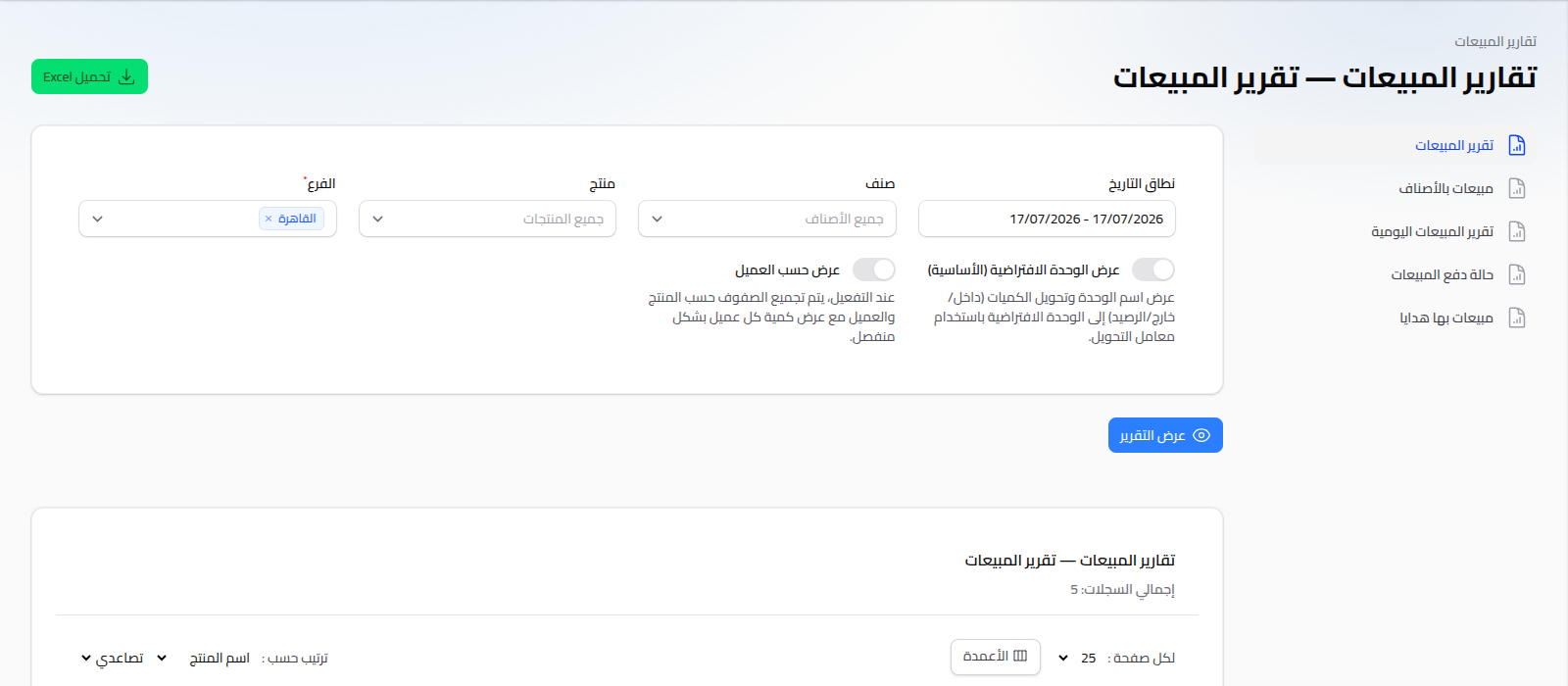
Available Reports
- Sales Report: a detailed list of every sale invoice within the selected period.
- Daily Sales Report: total sales grouped per day.
- Sales by Category: total sales grouped by product category.
- Sales Payment Status: classifies sale invoices by payment status (paid, unpaid, partial).
- Sales with Gifts: shows invoices containing zero-price (gift) items, to track use of this feature.
Shared Usage Pattern
Same pattern as purchase reports: set your criteria (date range, branch, customer depending on the report), click View Report, and download as Excel if needed.
Notes
- To analyze sales at the product or customer level rather than the invoice level, see Product Reports and Customer Reports.
- To analyze the profitability from sales, see Profit Reports.