Supplier Reports
A set of reports dedicated to analyzing suppliers, their balances, and your purchases from them. Go to Reports → Supplier Reports:
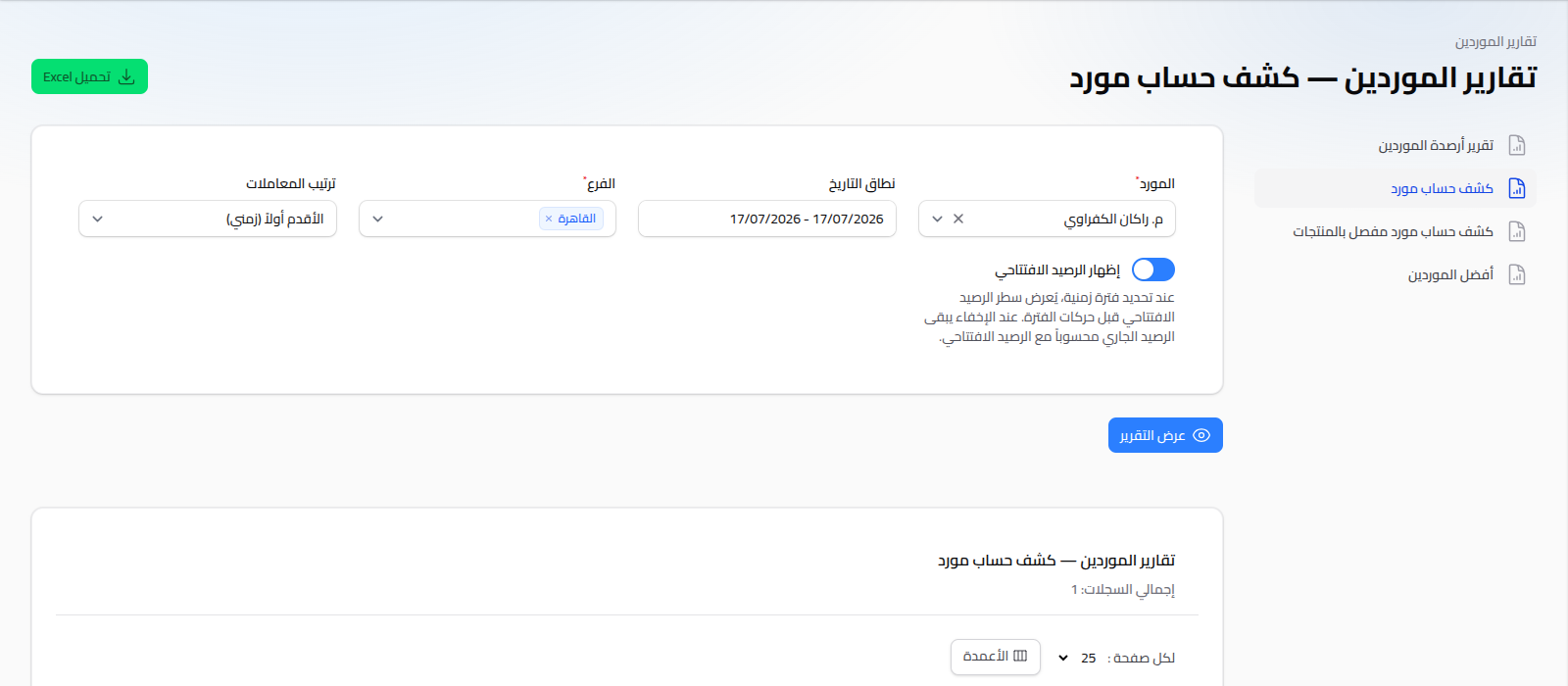
Available Reports
- Supplier Balance Report: a list of every supplier and their account balance, to see what you owe.
- Supplier Account Statement: a detailed movement statement for one supplier (purchase invoices, returns, payment vouchers), with a running balance after each entry.
- Supplier Detailed Account Statement (by Products): the same statement, but with each invoice's line items broken out.
- Top Suppliers: ranks suppliers by total purchases from them over a chosen period.
Shared Usage Pattern
Same pattern as customer reports: choose your criteria (supplier, date range, branch, transaction order), click View Report, and download as Excel if needed. The Transaction Order option controls whether movements display oldest-first or newest-first.
Notes
- A specific supplier's statement can be reached directly from the main dashboard (the top-suppliers-by-balance list) or from the Supplier's own page.