Product Reports
A set of reports for tracking inventory, product movement, and expiry. Go to Reports → Product Reports:
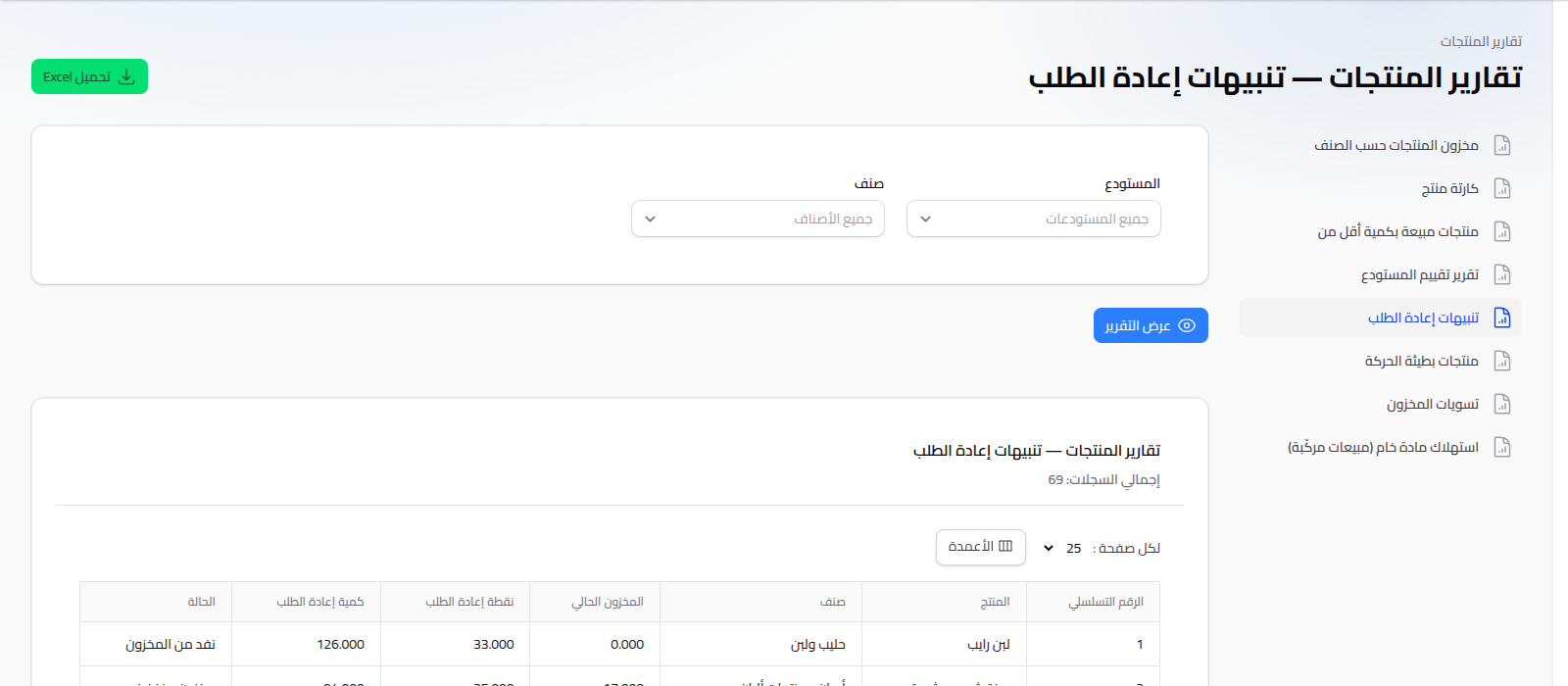
Available Reports
- Product Card: a complete movement log for one product (every in/out movement from every source) with a running balance.
- Reorder Alerts: products whose available quantity has reached or dropped below their reorder point.
- Slow Moving: products that weren't sold (or sold very little) over a chosen period.
- Products Sold Under Quantity: filters products by a minimum sold-quantity threshold.
- Category Products Stock: total available quantity/value grouped by product category.
- Warehouse Valuation Report: the total value of current stock in each warehouse (at cost).
- Near Expiry / Expired Batches: stock batches whose expiry date is approaching or has passed.
- Stock Adjustments: a log of every stocktake/adjustment operation performed.
- Raw Material Consumption (Composite Sales): calculates how much of a raw material was consumed based on sales of products that include it via a recipe (BOM).
Shared Usage Pattern
Set your criteria (product, warehouse, branch, threshold, ...) depending on the report, click View Report, and download as Excel if needed.
Notes
- For a detailed, batch-level view of inventory movement, see Stock Movements.
- To analyze product profitability, see Profit Reports.